> For the complete documentation index, see [llms.txt](https://documentation.peacefulqode.co.in/llms.txt). Markdown versions of documentation pages are available by appending `.md` to page URLs; this page is available as [Markdown](https://documentation.peacefulqode.co.in/bugex-documentation/theme-options/pq-contact.md).
# PQ Contact
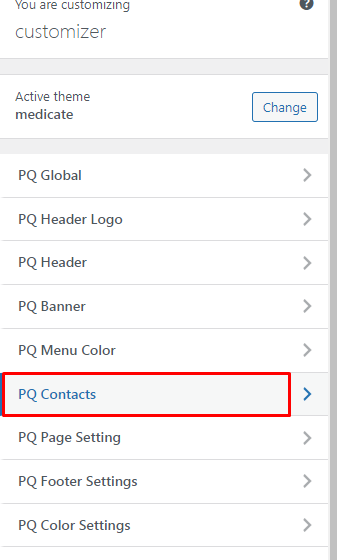
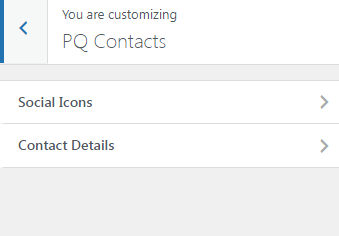
There are two options for contacts Social Icons and Contact Details.
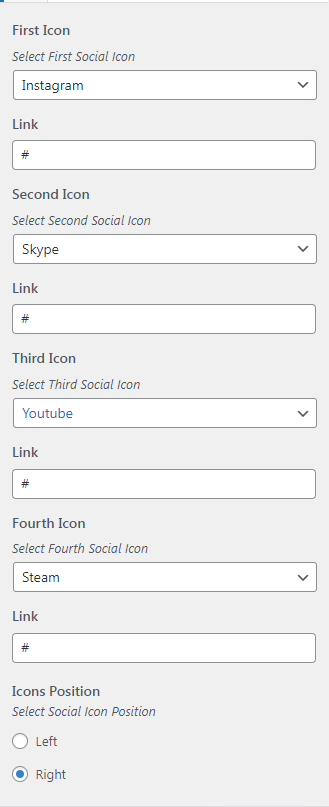
In Social Icons, you can change the social media links and icon order.
Also, you can change the icon position in the header.
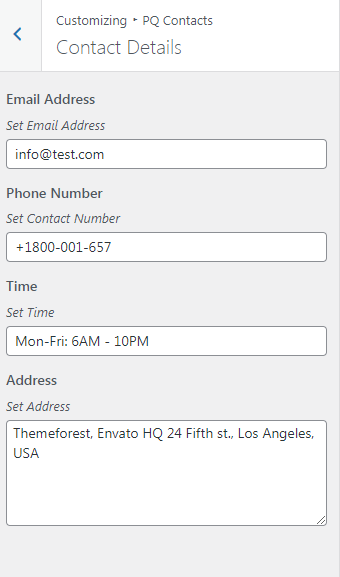
In contact options, you can change the contact details like Contact number, email address Address, etc.