> For the complete documentation index, see [llms.txt](https://documentation.peacefulqode.co.in/llms.txt). Markdown versions of documentation pages are available by appending `.md` to page URLs; this page is available as [Markdown](https://documentation.peacefulqode.co.in/bugex-documentation/theme-options/pq-page-settings.md).
# PQ Page Settings
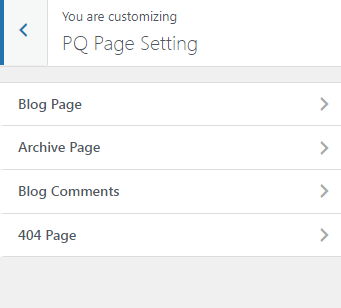
There are 4 options for the blog page settings.
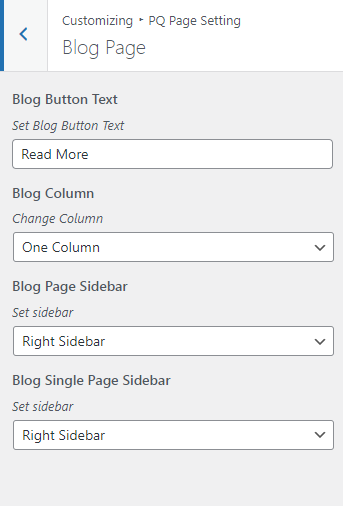
You can change the Blog page layouts, Column settings, Blog Button Text, and Blog Page sidebar from this tab.
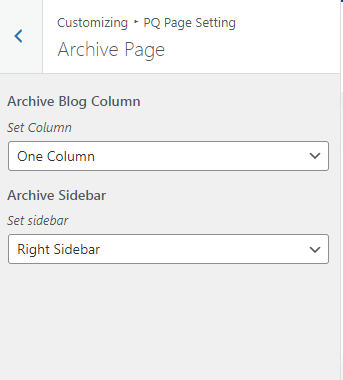
You can change the Archive page layouts, Column settings, and Page sidebar from this tab.
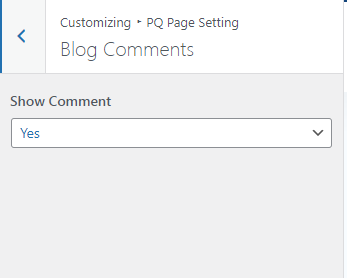
You can show and hide the comments section from this tab.
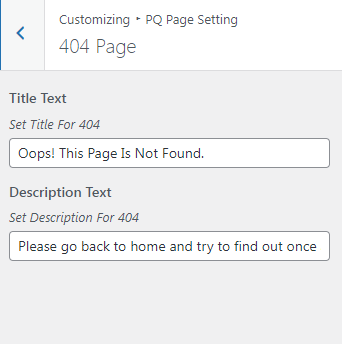
You can change the 404-page text from this tab.