# PQ Contact

<figure><img src="https://content.gitbook.com/content/2d899xmXu3bfVrMsHI4J/blobs/QXWq70NguMhHNvLch0F0/image.png" alt=""><figcaption></figcaption></figure>

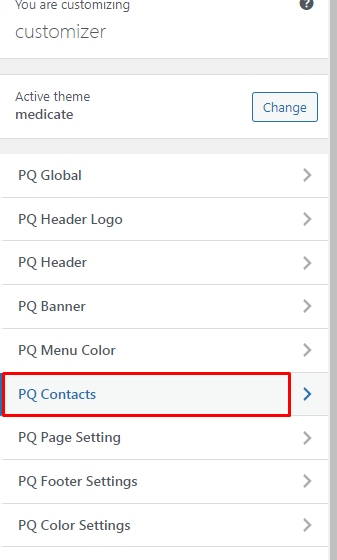
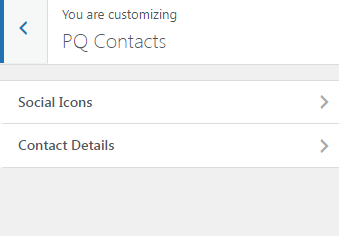
There are two options for contacts Social Icons and Contact Details.

<figure><img src="https://content.gitbook.com/content/2d899xmXu3bfVrMsHI4J/blobs/dk1u1B0SqleGpfbAGaD0/image.png" alt=""><figcaption></figcaption></figure>

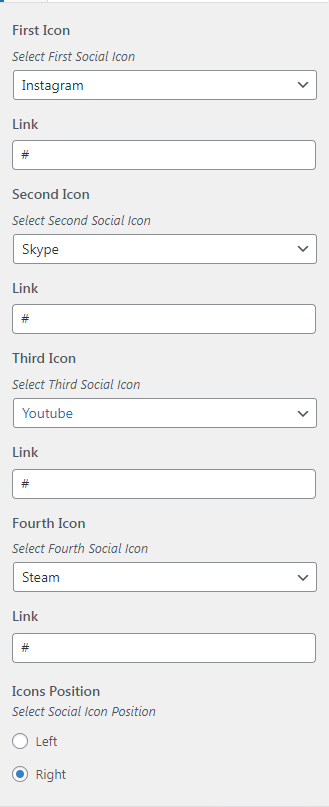
In Social Icons, you can change the social media links and icon order.

Also, you can change the icon position in the header.

<figure><img src="https://content.gitbook.com/content/2d899xmXu3bfVrMsHI4J/blobs/p9bMZBRbmol1yYjmSq6E/image.png" alt=""><figcaption></figcaption></figure>

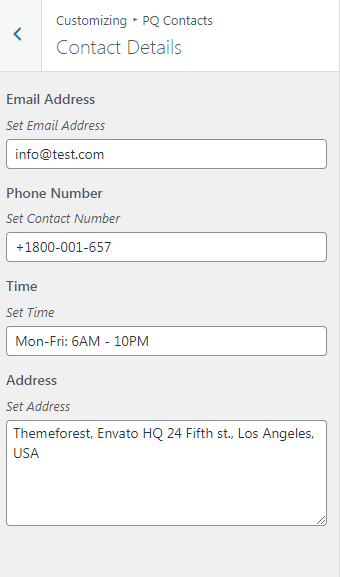
In contact options, you can change the contact details like Contact number, email address Address, etc.
<figure><img src="https://content.gitbook.com/content/2d899xmXu3bfVrMsHI4J/blobs/nxHnvTZZx9AaXSdxGK8r/image.png" alt=""><figcaption></figcaption></figure>