> For the complete documentation index, see [llms.txt](https://documentation.peacefulqode.co.in/llms.txt). Markdown versions of documentation pages are available by appending `.md` to page URLs; this page is available as [Markdown](https://documentation.peacefulqode.co.in/potfolio-documentation/potfolio-documentation/theme-options/pq-banner.md).
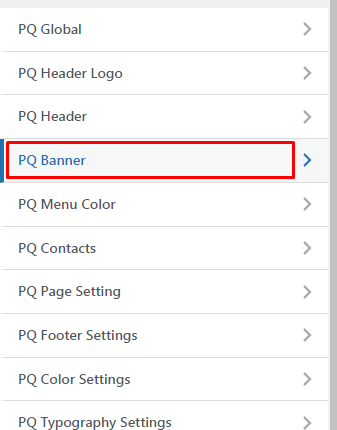
# PQ Banner
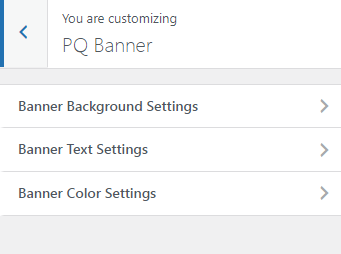
Page Banner Settings
You can change the settings for the Banner section from here.
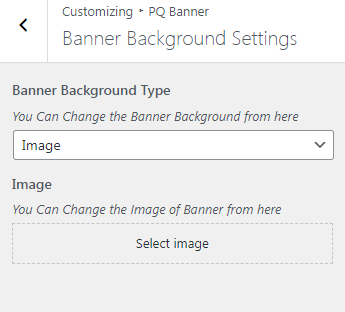
You can change the banner background type.
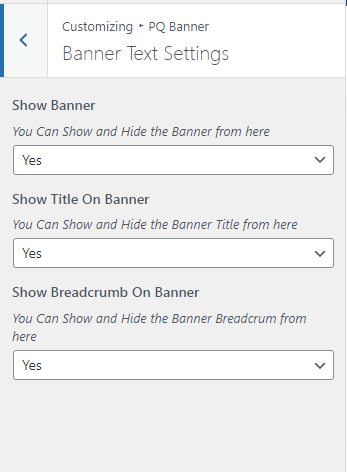
You can change the banner text from here.
If the banner is not set from the theme option then you have to go to the particular page and in the bottom banner settings you have to set the hide banner as 'No'.